Which AI Art Tool Should You Buy for Digital Prints? Top Options Compared
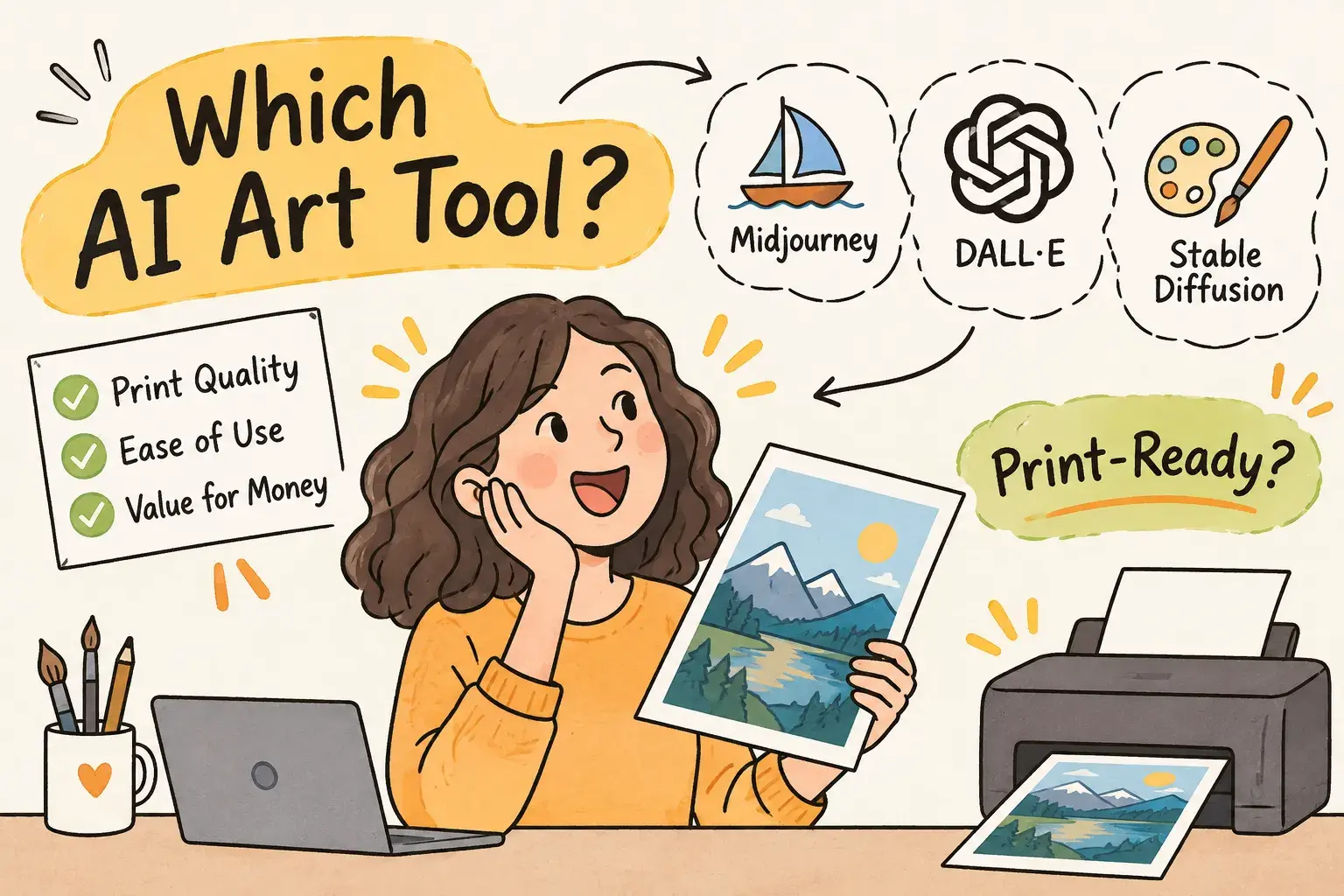
Which AI Art Tool Should You Buy for Digital Prints? Top Options Compared. See a side-by-side comparison on output quality and more.
The right tool depends on what you sell, and no single generator wins every category. Midjourney leads on painterly wall art, Ideogram on text-heavy designs, Recraft on vectors, Adobe Firefly on cautious licensing, and FLUX on photorealism. If you want one workflow for creating, upscaling, packaging, and presenting digital prints, DreamRender combines AI Image Studio, the AI Image Upscaler (up to 6x), Marketplace Collection Studio (for Etsy image packages), and Mockup Studio, with commercial-use exports.
Below you'll find a side-by-side comparison on output quality, print dimensions, commercial terms, pricing models, and listing workflow. You'll also get a checklist for verifying rights and print quality before you subscribe. Plan terms and prices change often, so confirm each plan page before you pay. Test any tool on a small batch before you commit, because no comparison replaces a test print.
Key takeaways
Match the tool: The strongest generator depends on whether you sell wall art, slogan apparel, logos, or patterns.
Count the workflow: Generation is one step. Depending on the tool, upscaling, packaging, and mockups can add subscriptions and file handoffs.
Verify rights: Commercial terms differ by plan, model, and product type.
Check pixels: 300 pixels per inch at final size is a common print target, though some products and print providers accept lower resolution. Many outputs still need upscaling to reach it.
Which AI art generators produce the strongest artwork for professional prints?
It depends on the product. Midjourney is strong on illustration, painterly, and fantasy wall art. FLUX leads on photorealistic textures and materials. Ideogram is the pick for readable text and transparent PNGs, and Recraft is strong on vectors.
That split matters because "best" changes with what you sell. A nursery print, a slogan mug, and a logo pattern each need a different strength.
Why raw image quality is only half the buying decision
Many generators produce roughly 1,024 to 2,048 px images natively. Depending on your print size and the tool, you may need separate upscaling, cleanup, packaging, and mockups before a file is ready to sell.
Stitching together a generator, an upscaler, a bundling step, and a mockup tool can mean several subscriptions and several file handoffs. Some tools include upscaling or other production features, so count what you would actually need for your products.
Where DreamRender's AI Image Studio and Photo to Art fit
AI Image Studio generates original artwork and visual concepts. Photo to Art converts personal photos into painted or illustrated artwork using curated creative styles. No artistic experience is required for either.
For sellers without their own photos, the Asset Library offers thousands of commercial-use, high-resolution images updated monthly. DreamRender also includes studios for finishing and listing products, covered below.
How do the top AI art tools compare on print size, commercial rights, pricing, and listing workflow?
The table below compares them on the criteria that decide whether a tool works for selling prints. Competitor rows come from published comparisons, and plan terms and prices change, so confirm each plan page before you pay. This article is published by DreamRender, so check the DreamRender row against our plan page the same way.
ToolBest forOutput and upscalingCommercial termsPricing modelListing and mockup toolsDreamRenderAll-in-one print product workflow4K and transparent PNG exports; upscaling up to 6xCommercial-use exportsSee current plansMarketplace Collection, Bundle, and Mockup studios (confirm what your plan includes)MidjourneyPainterly, stylized artAbout 1,024 px short side; 2x and 4x upscale optionsPaid plans; companies with more than $1M in annual gross revenue need Pro or Mega (check Midjourney's terms)GPU timeNot established in the sources reviewedAdobe FireflyCautious licensing, Adobe workflowsVerify in appPositioned as trained on licensed material; check Adobe's current terms on Content CredentialsCredits; unlimited standard generations on paid plansNot established in the sources reviewedIdeogramText-heavy designs1,024 px class; 2x, 4x, or 8x enlargementCommercial use allowed; paid plans add private generationCreditsNot established in the sources reviewedRecraftVector outputVerify in appVerify on the current plan pageVerify on the current plan pageNot established in the sources reviewedFLUXPhotorealistic textures and materialsVerify per modelOpen-model licenses, such as Flux Dev weights, can differ from the software licensePer image through its APINot established in the sources reviewedLeonardo AIFlexible model optionsVerify per modelPaid plans carry commercial rights; check Leonardo's terms on reselling unmodified assetsTokensNot established in the sources reviewedChatGPT ImagesConversational iterationCommonly 1,024 x 1,024 or 1,024 x 1,792 px; many print sizes will need a separate upscalerGenerally allowed under service termsSubscription with usage limitsNot established in the sources reviewed
How pricing models actually differ
Midjourney bills by GPU time. Firefly uses credits but offers unlimited standard generations on paid plans. Ideogram and Leonardo use credits or tokens, and FLUX is priced per image through its API.
Don't compare cost per image. Estimate cost per sellable listing: count how many generations it takes to get one keeper, multiply across a full collection, then add any upscaler and mockup tools you still need.
What the table doesn't show: the listing workflow
Many tools stop at the image file. Packaging bundles, building coordinated collections, and creating room and Frame TV mockups often happen elsewhere. Etsy sellers need to ship a full listing, not just an image, and that gap is where DreamRender's studios fit.
What does an all-in-one workflow look like from idea to finished listing?
Here's an illustrative scenario, not a customer result: a nursery-print collection of coordinated animal designs. The steps run in this order:
Generate or transform: Use AI Image Studio, or Photo to Art with a family photo, to create your artwork.
Upscale for print: Run each file through the AI Image Upscaler, which enlarges up to 6x. Whether that reaches your target depends on the starting dimensions. A 1,024 px side enlarged 6x reaches 6,144 px, which is enough for an 18 x 24 in print at 300 PPI (5,400 x 7,200 px needs a taller starting file) but short of the 10,800 px long side of a 24 x 36 in print.
Package: Marketplace Collection Studio builds coordinated wall-art sets with Etsy-ready listings and downloadable files. Bundle Studio packages multiple designs into one digital bundle.
Show it in context: Mockup Studio places the art into room, tabletop, gallery wall, and Frame TV scenes. Etsy requires at least one unaltered photo of the actual physical item against a real background for physical products, and any AI-assisted images must accurately represent what the buyer receives. Check Etsy's current listing photo rules.
Mockups can help buyers visualize a print above a crib or on a gallery wall in their own space.
For true vector output or heavy typography, Recraft and Ideogram are documented strengths worth testing alongside any generator.
Can you legally sell AI-generated art, and how do you verify usage rights before subscribing?
Usually yes, but it depends on the tool, plan, model license, and sales platform. This is not legal advice, and "commercial use allowed" does not guarantee protection against infringement claims.
Plan, raw-file, and model rules
Commercial rights often apply only to paid plans, and free generations may be public or noncommercial. "Commercial use" may also not cover reselling an unmodified generation as a standalone digital file. One licensing guide cites Leonardo.ai on this point, so read Leonardo's own terms. Merchandise can be treated differently. Open-model licenses, such as Flux Dev weights, can differ from the software license.
Marketplace, copyright, and attribution limits
Etsy disclosure: Etsy's seller policies require sellers to disclose AI use in the listing description, and human creative involvement must stay central. Writing your own prompts can count as creative involvement. Read Etsy's "What Can I Sell on Etsy?" page and its AI policy updates.
U.S. copyright: Purely AI-generated images may get little copyright protection, while substantial human editing and composition can strengthen it.
Attribution requirements: Some tools require keeping watermarks or Content Credentials, as Adobe does for certain Firefly outputs. Verify Adobe's current terms for your plan and output type.
Protected names: Keep trademarks, recognizable people, and copyrighted characters out of your prompts.
A five-question rights checklist before you pay
Does your plan expressly allow commercial use?
Does it cover selling digital downloads, not just physical products?
Does the specific model have its own license?
Does your marketplace require AI disclosure?
Do any prompts or outputs use protected names, brands, or characters?
Screenshot the terms and plan details on the date you subscribe. A dated record helps document the terms that were available when you saved it, though it doesn't by itself establish which terms legally governed a particular creation.
How do you check print quality before you list a product?
Match your file's pixels to the print size at 300 PPI, then inspect it at 100%. Treat 300 PPI as a useful target rather than a universal rule: acceptable resolution depends on print size, viewing distance, and your print provider's specifications. A 2,048 px image covers only about 6 to 7 inches on its longest side at 300 PPI, which is why upscaling matters.
Print sizePixels at 300 PPI5 x 7 in1,500 x 2,1008 x 10 in2,400 x 3,00011 x 14 in3,300 x 4,20016 x 20 in4,800 x 6,00018 x 24 in5,400 x 7,20024 x 36 in7,200 x 10,800
Each pixel dimension is the print dimension in inches multiplied by 300.
Printer and marketplace file specs
According to Printful's help center, use sRGB and do not convert to CMYK. Printify guidance also points to sRGB PNG or JPEG at 300 DPI at final size. Commercial print shops often want a CMYK PDF instead, so ask before you convert.
Use a transparent PNG for apparel and stickers. For trimmed products, add 0.125 in of bleed and follow the provider's template.
A quick QA routine before you publish
Zoom to 100% and look for warped hands, misspelled text, texture breakdown, and edge halos after upscaling. Order one test print at your largest advertised size. Keep an editable master plus a delivery copy.
The right AI art tool depends on what you sell
Choose Midjourney, Ideogram, Recraft, Firefly, or FLUX when one specific strength matters most: style, text, vectors, licensing comfort, or realism. Choose DreamRender when you want a single workflow from generation and upscaling to collections, bundles, and mockups. Whatever you pick, verify rights and print specs before you subscribe.
The low-risk way to decide is to test. Build one small collection in the tools you are considering, run it through the QA routine above, and order a test print. If the file holds up and the listing assets save you handoffs, you have your answer.
Frequently Asked Questions
How many pixels do I need for an 18 x 24-inch print?
You need 5,400 x 7,200 pixels for an 18 x 24-inch print at 300 PPI. That is a useful target, though your print provider may accept a lower resolution.
Can I turn a personal photo into art for a digital print?
Yes, you can use our Photo to Art tool to turn a personal photo into painted or illustrated artwork. It uses curated creative styles and does not require artistic experience.
Do I need to disclose AI-generated art on Etsy?
Yes, Etsy requires you to disclose AI use in the listing description. Human creative involvement must stay central, and writing your own prompts can count as creative involvement.
Should I use sRGB or CMYK for my print files?
Use the color format your print provider specifies. Printful and Printify guidance points to sRGB, while commercial print shops often want a CMYK PDF.
Ready to Transform Your Photos?
Experience the magic of AI-powered art transformation with DreamRender.
Start Creating Now