Wedding Portraits 2.0: Transform Your "B-Roll" Wedding Photos into High-End Watercolor Art
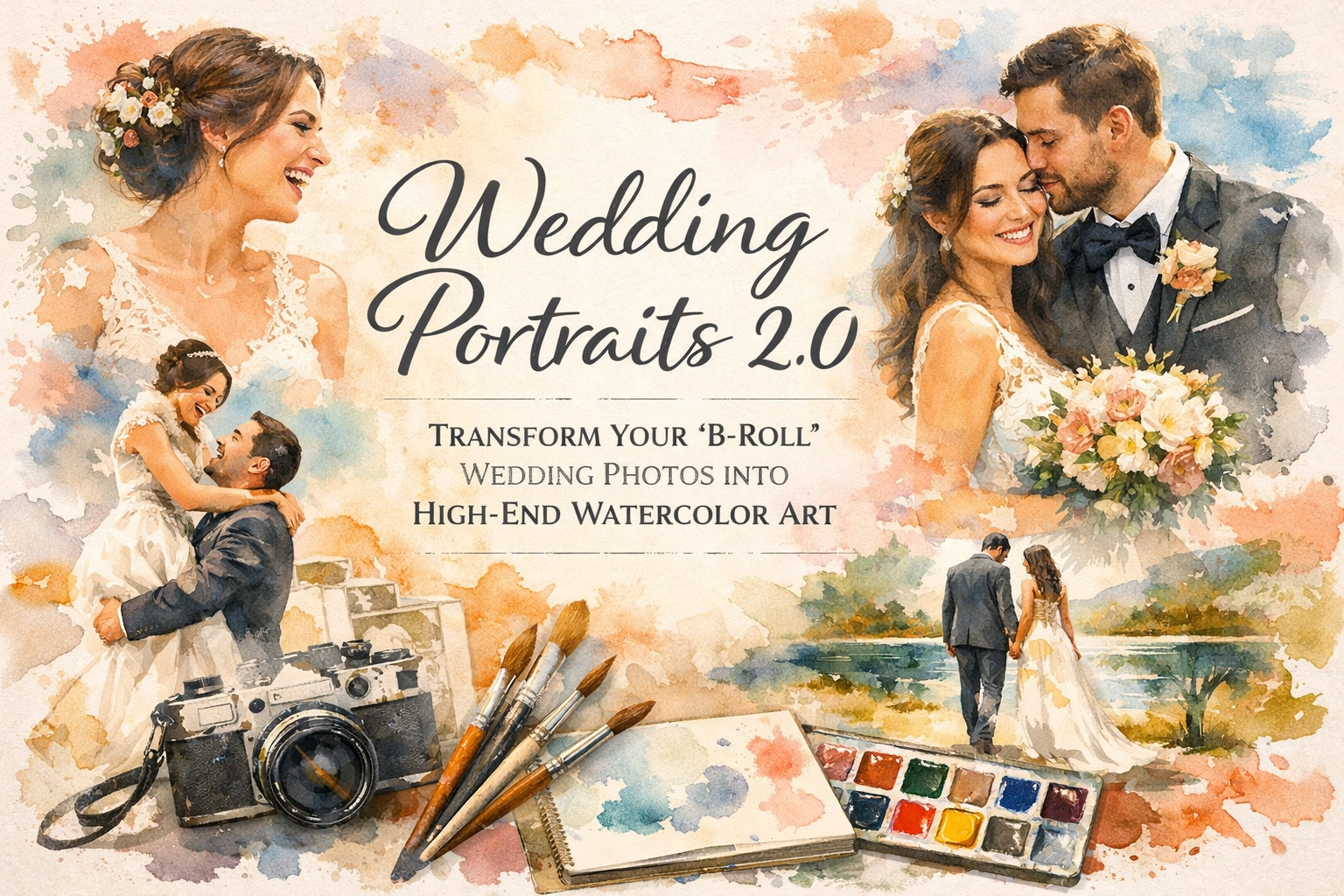
Turn candid wedding photos into watercolor art with DreamRender. Follow our step-by-step guide to create personalized portraits, keepsakes, and gifts.

Every wedding photographer will tell you the same thing: the "hero" shots are easy. You pose the couple in front of a sunset, tell them to look deeply into each other’s eyes, and click. It’s beautiful, sure, but those aren't always the photos that capture the feeling of the day.
The real magic usually happens in the "B-roll": the candid, unposed, and sometimes slightly blurry moments caught on a bridesmaid's iPhone or a guest's vintage camera. It’s the flower girl sleeping under a table, the groom’s father wiping a tear when no one is looking, or the sheer chaos of the late-night dance floor.
The problem? These photos often lack the "high-end" polish required for a living room wall. They might be grainy, poorly lit, or have a cluttered background of half-empty champagne glasses.
At DreamRender, we’ve been working on a solution to bridge that gap. By using our ai portrait generator, you can take those messy, emotional B-roll shots and transform them into museum-quality watercolor art. We’re pulling back the curtain on how to turn your favorite "imperfect" memories into something truly exceptional.
Why "B-Roll" Captured the Heart (and Why It Needs AI)
Most couples walk away from their wedding with thousands of digital files. You have the professional gallery: which is stunning: and then you have the "Everything Else" folder. This folder is a goldmine of raw emotion, but it rarely gets printed.
Traditional photo editing can only do so much. You can brighten a dark photo or crop out a stray guest, but you can’t easily change the soul of the image. That’s where the concept of photo to art comes in. Instead of trying to fix a "bad" photo, we’re reimagining it as a masterpiece.
Watercolor is the perfect medium for this. Its fluid lines and soft washes of color naturally obscure distracting details while highlighting the core emotion of the subject. It turns a grainy low-light photo into a deliberate, atmospheric choice.

The Magic of the Watercolor Style
Watercolor isn't just a filter: at least, not the way we do it. When you use our Creative Studio, the AI doesn't just slap a texture over your pixels. It actually analyzes the lighting, the depth of field, and the specific features of the people in the frame.
Here is why watercolor is the secret weapon for wedding B-roll:
Simplification: Wedding venues are busy. There are chairs, decorations, and people everywhere. A watercolor transformation softens these background elements into beautiful, abstract washes of color, keeping the focus on the couple.
Texture: Watercolor adds a tactile, organic feel to a digital file. It removes that "smartphone" look and replaces it with the appearance of heavy-pressed paper and hand-mixed pigments.
Timelessness: Trends in wedding photography come and go: sepia, high-contrast, moody: but a watercolor portrait is timeless. It looks just as at home in a modern apartment as it does in a traditional family home.
Step-by-Step: Turning Your Photos Into High-End Art
We’ve designed the DreamRender platform to be incredibly intuitive. You don't need a degree in digital illustration to get professional results. Here is how we recommend handling your wedding B-roll:
Step 1: Curate the Raw Moments
Don’t look for the "best" photos in terms of technical quality. Look for the best photos in terms of feeling. If there is a shot of you and your partner laughing that makes you smile every time you see it: even if it’s a bit out of focus: that’s your winner.
Step 2: Upload to the Transform Tool
Head over to our Transform page. This is where the heavy lifting happens. Upload your high-resolution file (though our AI is surprisingly good at upscaling lower-quality shots, too).
Step 3: Select the Watercolor Preset
Within our ai portrait generator, you’ll find several artistic styles. For weddings, we specifically recommend the "Soft Watercolor" or "Ink and Wash" presets. These styles maintain the integrity of facial features: ensuring you still look like you: while providing those signature bleeding edges and pigment blooms.
Step 4: Refine the "Weight"
In the advanced settings, you can often adjust how much the AI "dreams" versus how much it sticks to the original photo. For a high-end look, we suggest a middle ground. You want the artistic flair of a painting, but you want the recognizable joy of the wedding day.

Beyond the Couple: Wedding Details and Landscapes
While the ai portrait generator is the star of the show for pictures of people, don’t overlook the other elements of your wedding.
Did you get married in a historic chapel or a misty forest? Those landscape shots make for incredible watercolor pieces. The way our AI handles greenery and architectural lines in watercolor is nothing short of breathtaking. You can create a "gallery wall" that features a mix of portraits and the environment where your wedding took place.
Take a look at our Gallery to see how users are transforming ordinary landscapes into elegant, high-resolution art. Converting your venue photo into a watercolor sketch is a sophisticated way to remember the setting without it feeling like a standard tourist photo.
The "Gifting" Factor
If you’re a bridesmaid or a parent looking for the perfect post-wedding gift, this is it. Professional wedding albums take months to arrive. By using DreamRender, you can take a candid photo you snapped on your own phone and turn it into a high-end piece of art within minutes.
Imagine gifting the newlyweds a framed watercolor of their first dance: something they didn't even know was being photographed: rendered in soft pastel tones. It’s personal, artistic, and carries a much higher "wow" factor than a standard 4x6 print.

Technical Insights: How AI Handles the Paint
People often ask us: "How does the AI know where the paint should go?"
It’s a mix of edge detection and style transfer. The AI identifies the "hard" edges (like the silhouette of a wedding dress) and the "soft" areas (like the skin or the sky). It then applies the watercolor logic: simulating how water would move across a page if it hit those edges.
The result is a photo to art transformation that looks intentional. It captures the "happy accidents" of traditional painting: the way color might pool slightly at the bottom of a brushstroke: without the risk of ruining a physical canvas.
Ready to Create Your Own Gallery?
Your wedding photos shouldn't live exclusively on a hard drive or in the cloud. They deserve to be part of your home's story. By moving beyond the traditional posed shots and embracing the "B-roll," you’re capturing the authentic energy of your celebration.
Whether you're looking to create a single statement piece for your hallway or a series of smaller prints for an office, we've made the process lightning-fast and accessible.
Check out our Pricing to see how you can get started, or dive straight into the Creative Studio to experiment with your own photos.
Don't let those "imperfect" candid shots go to waste. They are often the most beautiful memories you have: they just need a little bit of DreamRender magic to turn them into the high-end art they were always meant to be.

If you have questions about how to get the best results or which presets work best for different lighting conditions, feel free to visit our FAQ or reach out to us directly through the Contact page. We’re here to help you bring your wedding memories to life.
Ready to Transform Your Photos?
Experience the magic of AI-powered art transformation with DreamRender.
Start Creating Now