From Memories to Money: How to Create Etsy-Ready Digital Prints with DreamRender
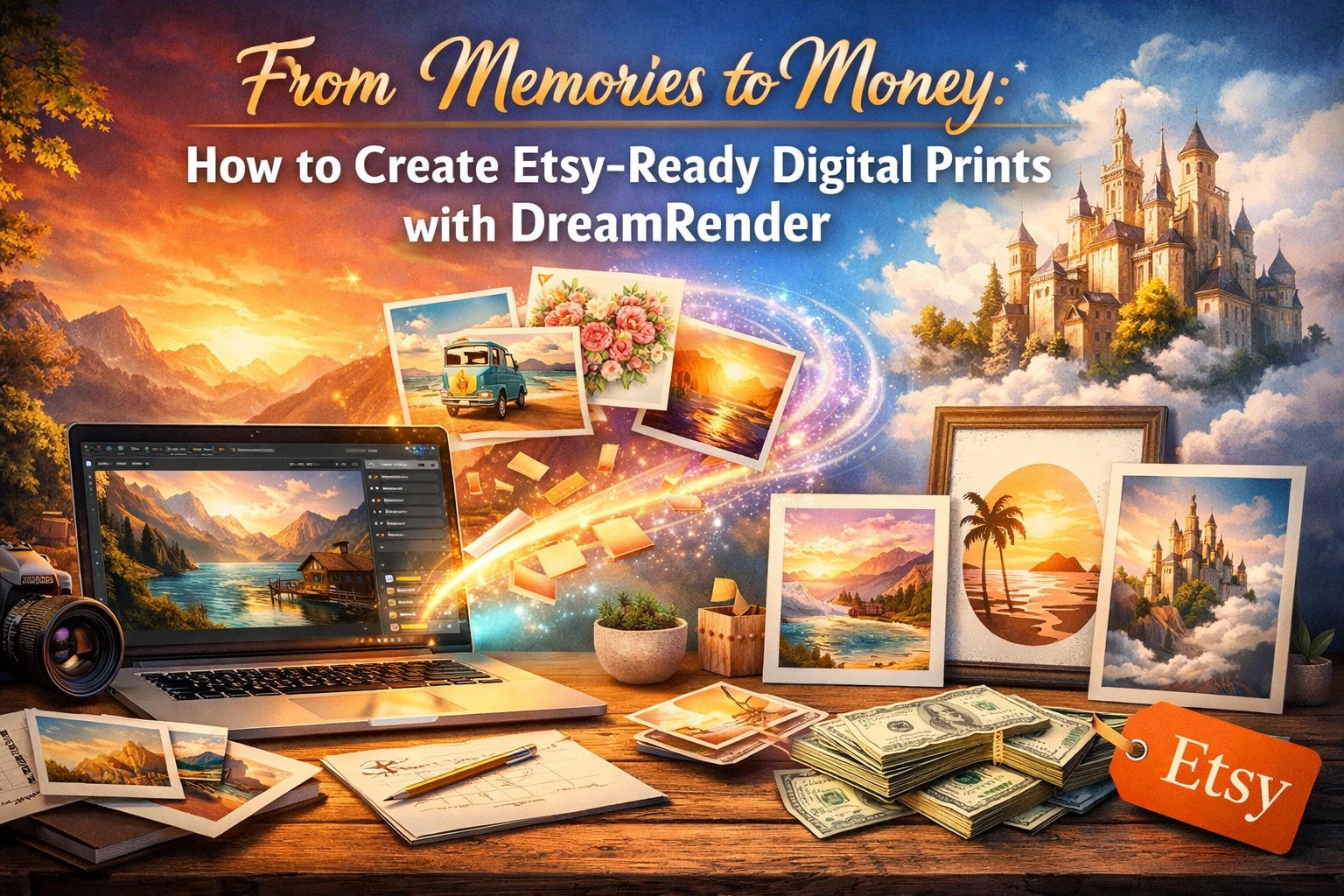
Ready to turn those photo albums into profit? Start transforming your photos with DreamRender and see how quickly you can build an Etsy shop product library worth listing.

Let's talk about something we're all thinking about: making a little extra money on the side. Whether you're looking to build passive income or launch a full-blown creative business, Etsy has become the go-to platform for selling digital art. And here's the thing: you don't need to be a professional artist anymore. With the right ai art generator, you can transform everyday photos into stunning, print-ready artwork that people actually want to buy.
That's where DreamRender comes in. We've built an ai photo editor that turns your memories: whether they're photos of your pets, favorite landscapes, or family moments: into gallery-quality digital prints in seconds. No design experience required. No complicated software to learn. Just upload, transform, and start selling.
Why Digital Prints Are the Perfect Side Hustle
Here's why digital products on Etsy are such a smart play: you create them once and sell them infinitely. Unlike physical products, there's no inventory to manage, no shipping headaches, and no upfront manufacturing costs. You set up your shop, upload your files, and watch as customers download their purchases automatically.
The digital art market on Etsy is booming. People are searching for unique wall art, pet portraits, wedding gifts, and personalized home decor. They want something special but don't want to pay hundreds of dollars for a commissioned piece. That sweet spot between affordability and quality?
That's your opportunity.
How DreamRender Makes It Ridiculously Easy
Traditional digital art creation takes hours: sometimes days. You need expensive software like Photoshop, a solid understanding of design principles, and let's be honest, actual artistic talent. DreamRender eliminates all of that friction.

Here's how it works: You upload any photo you own: your dog sleeping on the couch, a sunset from your last vacation, your best friend's wedding. Then you choose from dozens of artistic styles: oil painting, watercolor, vintage illustration, modern abstract, and more. Our AI does the heavy lifting, analyzing your photo and applying professional-level artistic effects that would take a human artist hours to achieve. In under 60 seconds, you've got a high-resolution, print-ready file.
The output quality is crucial here. DreamRender generates images at resolutions suitable for large format printing: we're talking poster-size, canvas-ready files that maintain their quality even when blown up. That's not just helpful; it's essential for Etsy success.
The Step-by-Step Process
Start with Quality Source Photos: While our AI works magic, starting with clear, well-lit photos makes a significant difference. Focus on images with good composition and emotional appeal. Pet photos with expressive eyes, landscapes with interesting lighting, or candid family moments work exceptionally well.

Choose Your Artistic Style: This is where strategy matters. Browse trending Etsy shops in the digital prints category to see what styles are selling. Watercolor pet portraits? Vintage-style family photos? Modern minimalist landscapes? Match your DreamRender style selection to current market demand.
Generate Multiple Variations: Here's a pro tip: create several versions of the same photo in different styles. List them as a bundle or separate products. Some customers want bold oil paintings; others prefer soft watercolors. More variety means more potential sales.
Download High-Resolution Files: Always grab the highest resolution option available. Etsy customers often print these at large sizes, and nothing kills reviews faster than a pixelated print. DreamRender handles this automatically, but double-check your file specifications before listing.
Setting Up Your Etsy Shop for Success
Your product listings need to do some heavy lifting. Use keywords like "digital download wall art," "printable art," and "instant download" in your titles and descriptions. Be specific about what makes each piece special: "Watercolor Pet Portrait Style," "Vintage Oil Painting Effect," or "Modern Minimalist Art Print."

Include clear information about file types (JPEG, PNG), dimensions, and usage rights. Most sellers offer personal use licenses with options to upgrade to commercial licenses at a higher price point. Be upfront about what customers can and cannot do with their purchase.
Pricing strategy matters too. Digital prints typically range from $3 to $15, depending on complexity, resolution, and whether they're part of a bundle. Start competitive to build reviews, then adjust based on your sales data.
Print Quality: The Technical Stuff That Actually Matters
Let's talk DPI: dots per inch. For print-ready files, you need at least 300 DPI. DreamRender outputs at professional printing standards, which means your customers can take these files to any print shop or print-on-demand service without quality loss.
Color profiles are another consideration. DreamRender renders in RGB color space, which is perfect for digital displays and most home printers. If customers plan to use professional printing services, mention that they might need CMYK conversion: though honestly, most print shops handle this automatically.
File size should be substantial. A high-quality digital print file for an 8x10 inch print should be several megabytes. If your file is tiny, it won't print well. DreamRender's outputs are properly sized for their intended use, so you can list with confidence.
Creating Cohesive Collections
Instead of random individual listings, think in collections. "Vintage Botanical Print Set." "Pet Portrait Collection in Watercolor Style." "Coastal Landscape Series." Collections perform better because they encourage multiple purchases and make your shop look professional and curated.

Use DreamRender to maintain consistency across a collection by applying the same artistic style to related photos. This creates visual harmony that appeals to customers looking to decorate entire rooms or create gallery walls.
The Commercial Licensing Advantage
Here's something most people don't consider: you can offer different licensing tiers. Personal use only at a base price, then commercial use (for customers who want to use your designs on products they sell) at a premium. This creates a high-value product from the same file.
Make sure you own the rights to any photos you transform. Personal photos you've taken? Perfect. Stock photos might have restrictions, so read the fine print. Original work always sells better anyway: customers respond to authentic, personal art.
Scaling Your Etsy Business
Once you've got a solid foundation, scaling is straightforward. Create a production workflow: batch process photos, generate variations, write descriptions, and schedule listings in advance. Dedicate one day a week to creating new products instead of doing it sporadically.
Monitor your Etsy stats religiously. Which styles sell best? What keywords drive traffic? Double down on what works and phase out underperformers. The beauty of digital products is you can test endlessly without financial risk.
Consider offering custom commissions at a higher price point. Customers send you their photos, you transform them using DreamRender, and deliver personalized art. It's more work but commands premium pricing: think $25 to $50 per custom piece.
Why This Works Right Now
The digital art market isn't slowing down. More people are decorating home offices, looking for unique gifts, and seeking affordable ways to personalize their spaces. Traditional commissioned art is expensive and time-consuming. Your DreamRender-created digital prints hit the sweet spot: unique, high-quality, affordable, and instant.
The technology barrier has dropped to essentially zero. You don't need to learn complex software or develop artistic skills over years. You need good photos, an eye for what sells, and DreamRender's ai art generator to handle the transformation.
Getting Started Today
The honest truth? Your biggest obstacle isn't technical: it's just getting started. Pick your ten best photos. Run them through DreamRender in styles you think will sell. Set up your Etsy shop. Create your first five listings. Then refine based on what you learn.
We've made the creative part effortless so you can focus on the business side: product selection, marketing, customer service, and scaling. That's where the real work happens, but it's also where the real money gets made.
Ready to turn those photo albums into profit? Start transforming your photos with DreamRender and see how quickly you can build a product library worth listing. Your Etsy shop is waiting.
Ready to Transform Your Photos?
Experience the magic of AI-powered art transformation with DreamRender.
Start Creating Now